Editing
Where your footage and photos come to life — color-accurate monitors, editing laptops and the fast storage that keeps a timeline smooth.
Shooting is only half the job. Where a lot of creators quietly lose quality is after the shot — editing on a laptop that throttles, grading on a screen that shows the wrong colors, or fighting a timeline that stutters because the footage is on a slow drive. This hub covers the three pieces that make editing painless: a color-accurate monitor, a laptop that can keep up, and a fast portable SSD to store and edit off.
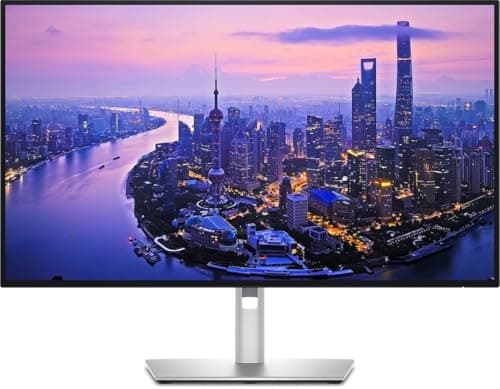
The monitor is the piece people underrate most. If your screen isn’t showing accurate color, you’re editing blind — your photos will look different on everyone else’s device, and your video will grade wrong. The specs that matter are color gamut coverage (look for high sRGB coverage for web work, or DCI-P3 for video) and factory calibration, which several panels in our guide include. You don’t need the most expensive reference monitor; you need one that’s honest about color, and those start cheaper than most people expect.
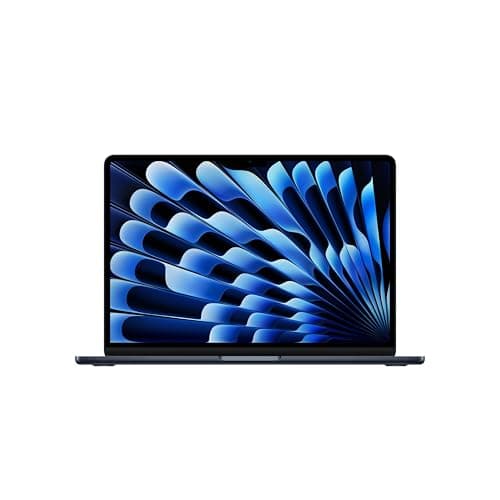
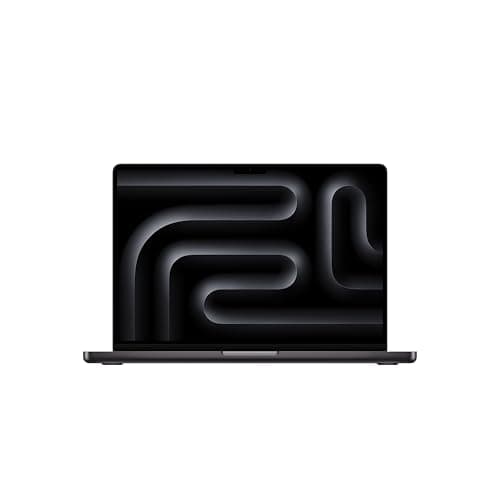
For laptops, the single most useful thing to know is the split between silent, all-day machines and fan-cooled workhorses. Apple silicon and efficient Windows chips edit photos and everyday 4K far beyond what a thin, fanless laptop should be able to — but sustained, heavy 4K and 8K timelines eventually throttle a fanless machine, where a fan-cooled laptop keeps going. We’re clear about which is which, so you don’t overpay for power you won’t use or under-buy for work you actually do.
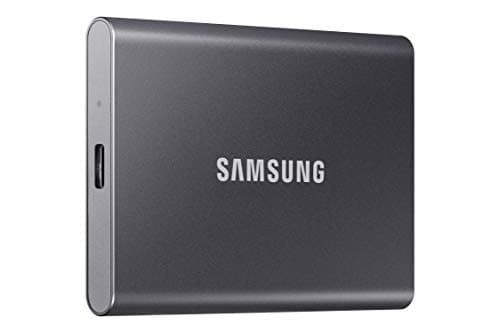
Storage is the cheap fix that punches above its weight. Editing 4K straight off a fast portable SSD keeps your laptop’s internal drive free and your timeline smooth, and modern USB-C drives are fast enough to do it. We explain where the very fastest (and pricier) Gen 2x2 drives are worth it and where a standard drive is plenty. Match this gear to the camera and cardsyou shoot on, and the whole workflow — capture to edit to export — stays fast. One distinction worth reading before you buy a machine: photo work is a bursty load and video is a sustained one, which is why our laptops for video editing picks lead with a fan-cooled machine where the photo list leads with a silent one. Every pick below shows a live price and a buy link.
Everything in Editing
Best Monitors for Photo Editing
Color-accurate 4K and QHD panels for photo and video work, by budget.
Our top pick
Dell UltraSharp U2725QE
$649.00 · View on AmazonPrice as of October 27, 2026. #ad How we’re funded
Best Laptops for Photo Editing
Mac and Windows laptops that handle photos and 4K video without throttling.
Our top pick
Apple MacBook Air (M5, 13-inch)
Best Portable SSDs for Video
Fast external drives to offload cards and edit 4K straight off the drive.
Our top pick
Samsung T7 Portable SSD (1TB)
Best Laptops for Video Editing
Video is a sustained load, not a burst - the laptops that hold their speed through a long export.
Our top pick
Apple MacBook Pro (M5, 14-inch)